Wedding day timeline
One schedule.Everyone reads their part.
Write the day once. The couple and the vendors build it with you, and on the day the photographer sees their moments, the DJ theirs, the caterer theirs. Even without signal.
Free plan, no expiry · No credit card required
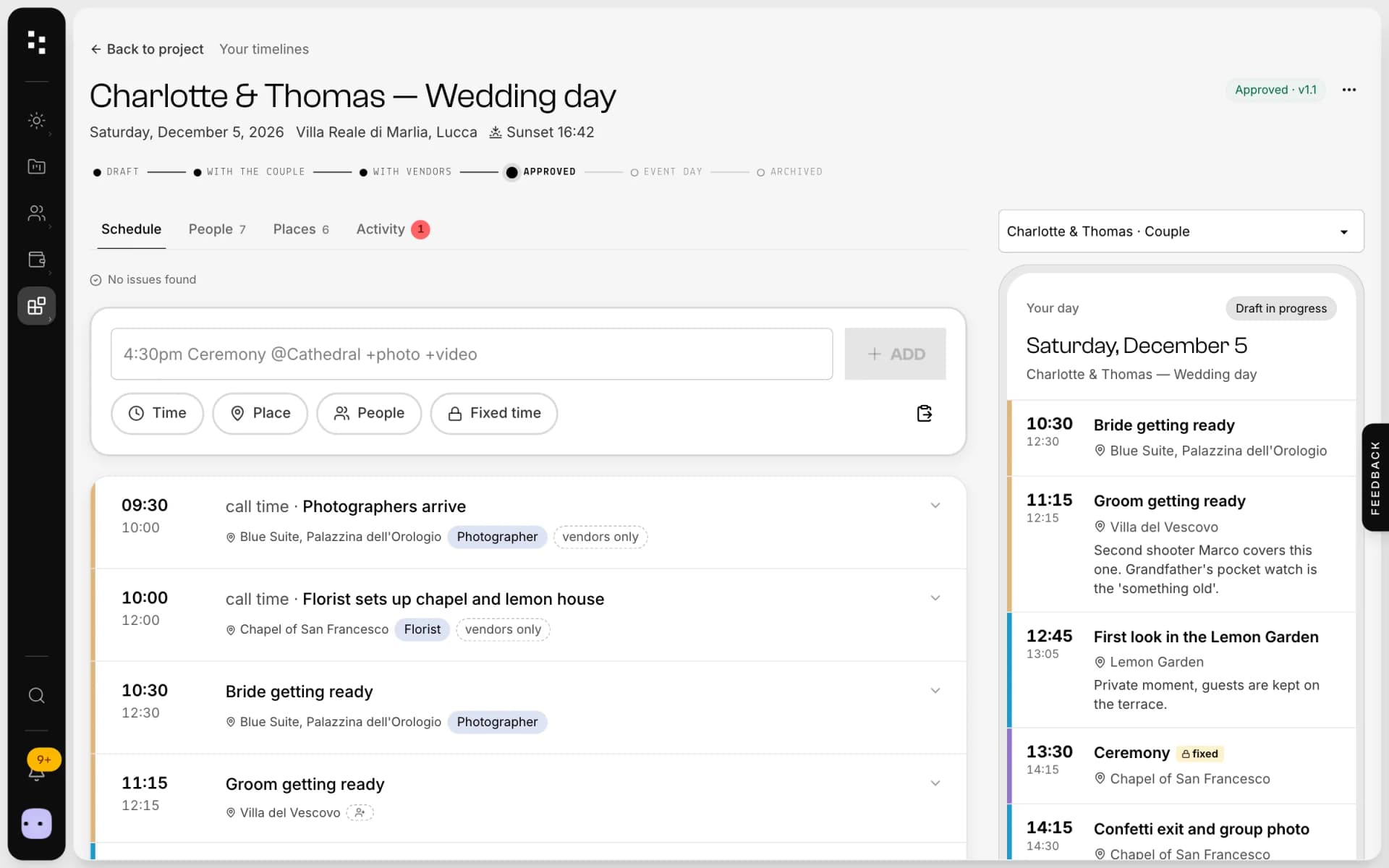
- Views by role
- “For you” notes
- Approved versions
- Read receipts
- Proposals
- Offline
- Sunset and golden hour
- Print per role
- Calendar export
What is Mosaii.co Timeline?
Mosaii.co Timeline is a wedding-day schedule shared with the couple and the vendors. You write it once; each person opens a personal link, with no account, and reads only the moments that concern them, with notes written just for them. When you approve it, it becomes version 1.0; later changes create a new version and notify only the people affected.
- Who it's for
- Wedding photographers and planners who coordinate couples and vendors
- What the couple and vendors see
- Their own view of the day from a personal link, with no account or app to install
- Offline
- The approved version stays readable without signal
- In the CRM
- It lives in the client's project, with the couple and the vendors already there
Built together.Then locked.
For months the schedule changes with the couple and the vendors. Once you approve it, it's the version that counts.
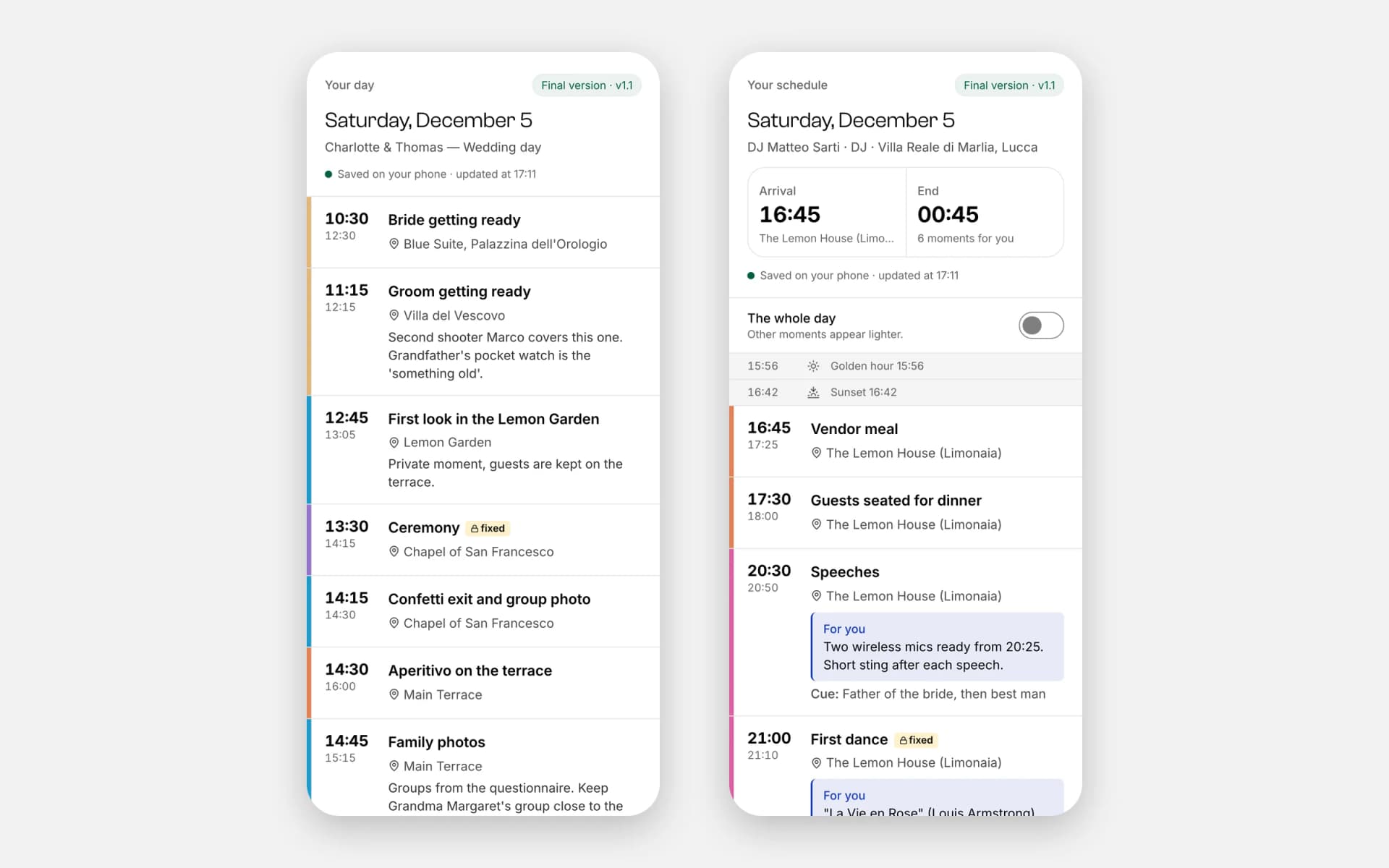
Writethe day
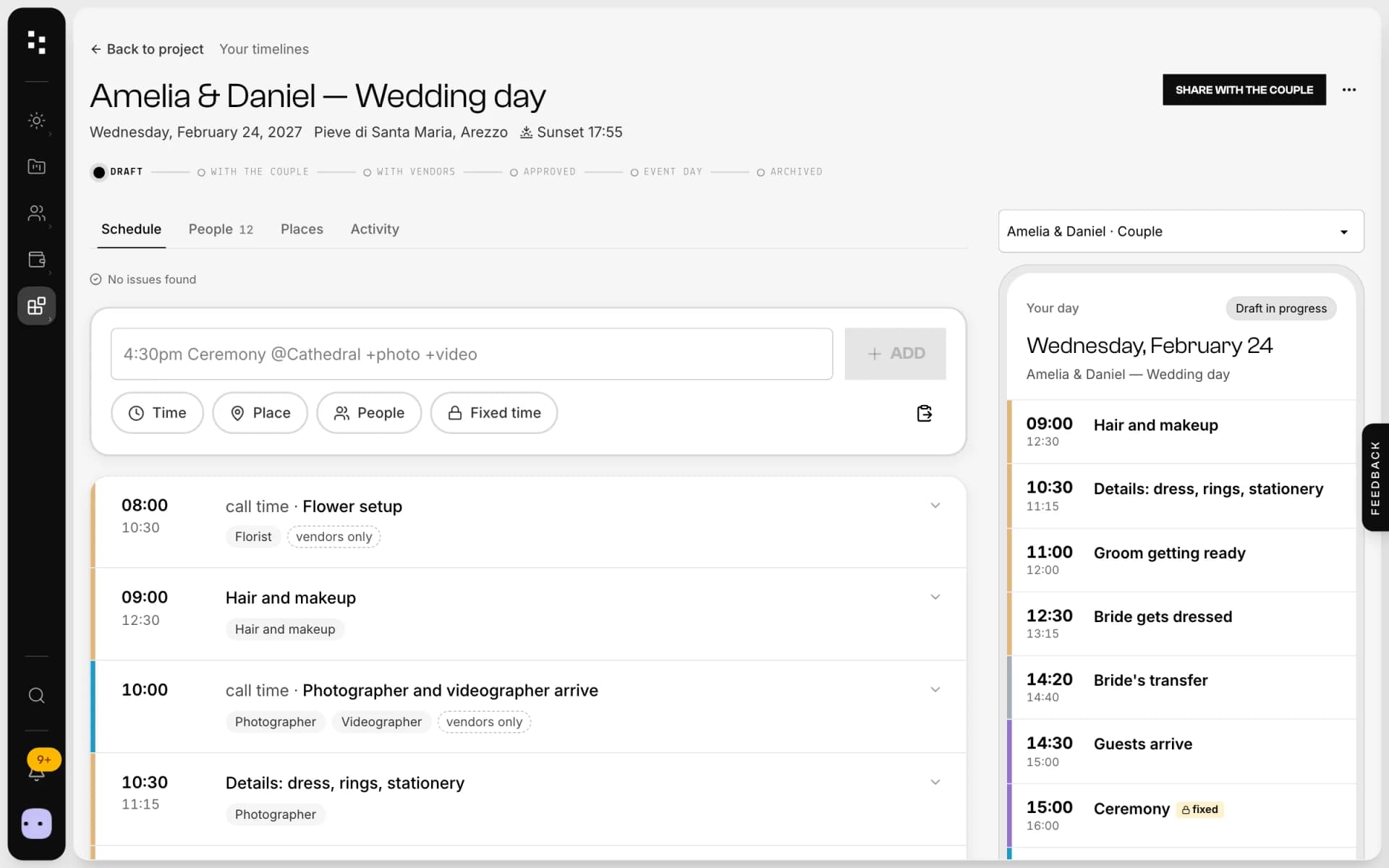
Type each moment in one line, or paste an existing schedule. Sunset and golden hour are calculated for the venue, and automatic checks catch overlaps.
Build itwith them
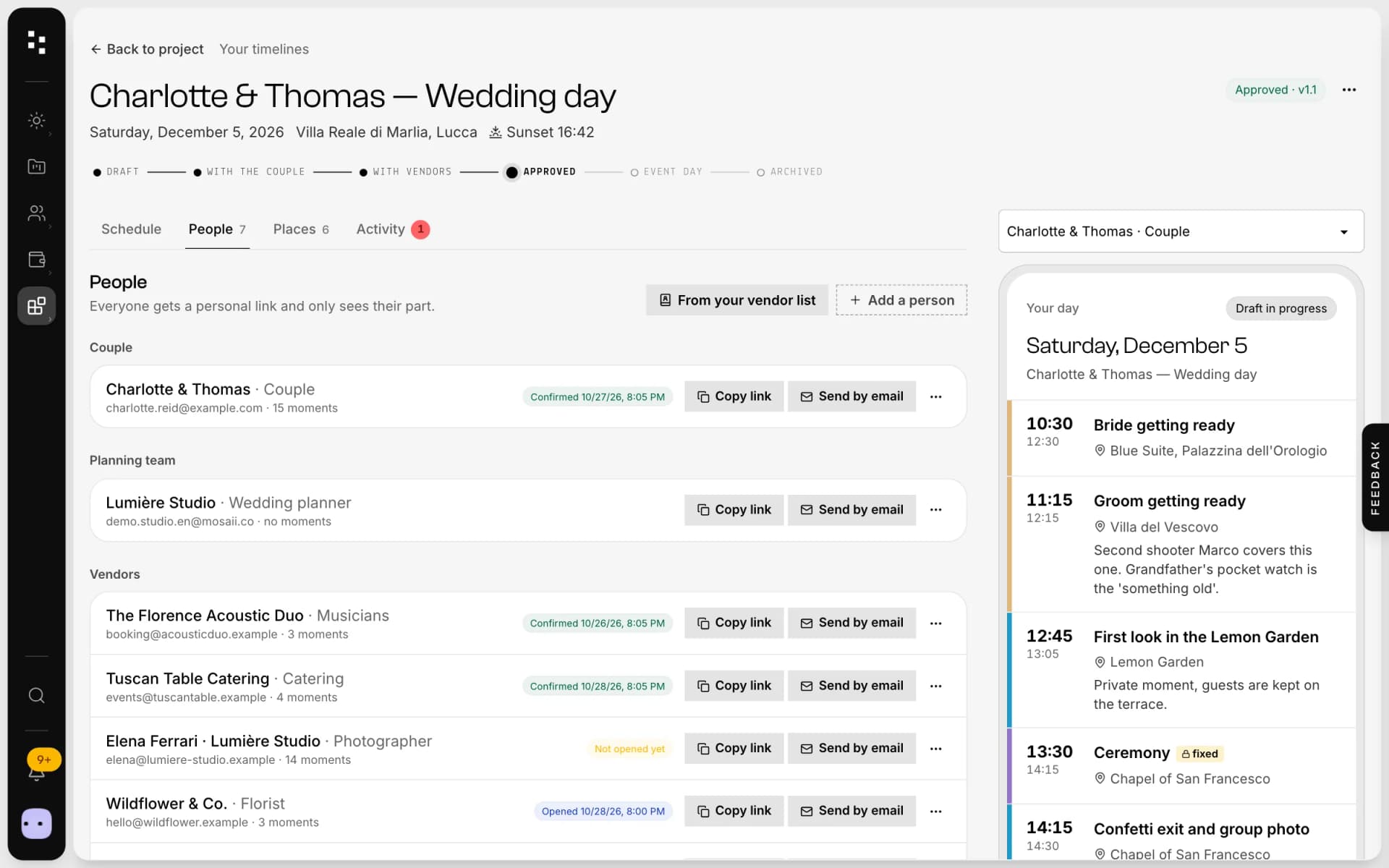
Share it with the couple, then with the vendors. They comment and propose changes; you decide what goes in.
Approveversion 1.0
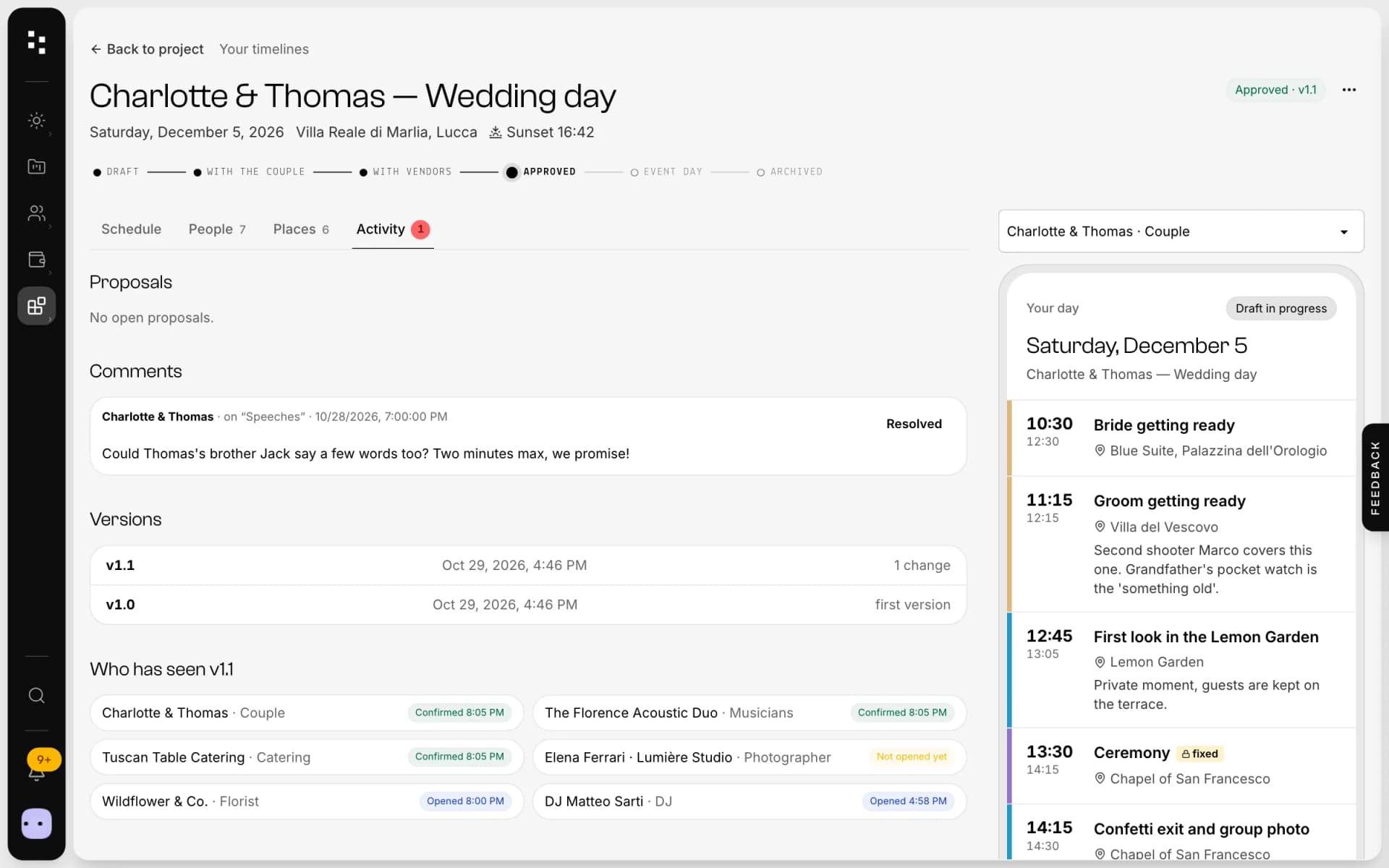
One version, the same for everyone. Each later change creates 1.1, 1.2… and every person gets only “what changed for you”, with read receipts.
Livethe day
On the day everyone sees Now and Next in big type, even offline. The photographer reads the shots and timings, the DJ the tracks.
Made forthe most important day.
Views by role
Couple, photographer, DJ, caterer, florist: each sees their moments, with an “All day” switch for the full picture.
Notes for one person
“For you” notes reach only the person they're written for: the tripod reminder never bothers the caterer.
Read receipts
See who opened and who confirmed each version, without asking in ten chats.
Works offline
The approved version is saved on the phone and can be added to the home screen. Castles and vineyards rarely have signal.
Print per role
Print a clean schedule for each role, or export the moments to any calendar.
Templates
Start from a template and reuse your best days, moment by moment.
Not another app.The next piece of your studio.
The timeline is the last piece: by the time you write it, Mosaii.co already knows the couple, the venue and the vendors.
- 01Media libraryGather your work
- 02WebsiteGet found
- 03PortfolioShare your best work
- 04FormsReceive the inquiry
- 05BookingMeet the client
- 06Quotes & contractsSign and get paid
- 07MoodboardAgree on the look
- 08TimelineRun the dayYou are here
How it connects
Less admin.More photography.
Without Mosaii.co
- A schedule in a document, ten versions in ten chats
- Every vendor reading the whole day to find their part
- “Which version is the right one?” on the morning of the wedding
- No signal at the venue, no schedule
With Mosaii.co
- One schedule, one approved version
- Each vendor reads only their moments
- Changes reach only the people affected, with receipts
- Readable offline, from the home screen
Questions about Wedding timeline
Do the couple and the vendors need an account?
No. Everyone opens their own personal link and sees their part of the day. There's no app to install.
What happens if I change the schedule after approval?
A new version is created (1.1, 1.2…) and only the people affected receive what changed for them. You see who has read it.
Does the timeline work without internet?
Yes. The approved version stays readable offline and can be added to the phone's home screen.
Can the couple suggest changes?
Yes. The couple and the vendors can comment and propose changes; you decide what to accept.
Is it connected to my CRM?
Yes. The timeline lives in the client's project: you create it from the project, with the couple and the vendors already linked.
How much does it cost?
You can start for free. Plans and prices are on the pricing page.
Every piecefits the next.
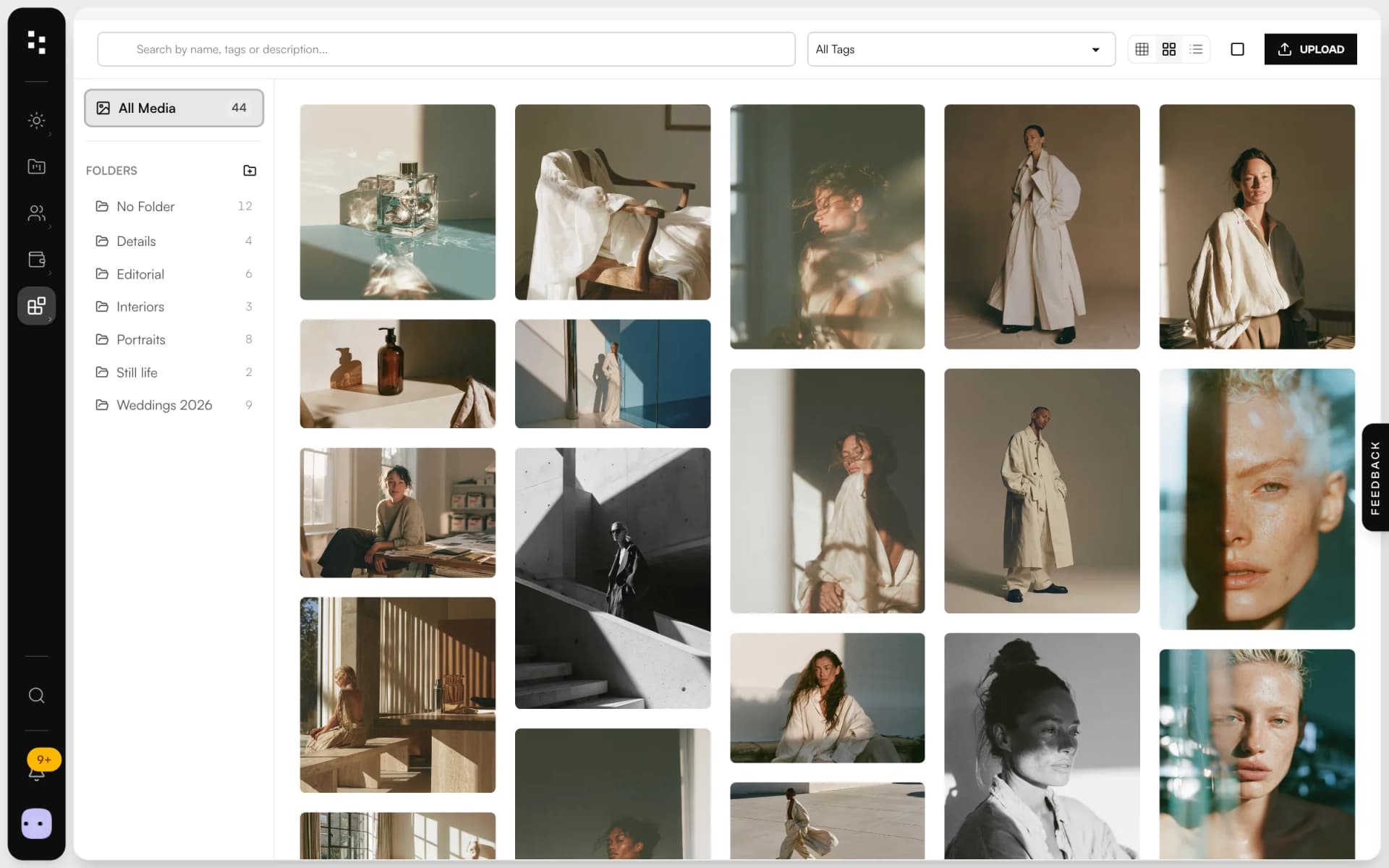
- Media libraryUpload in bulk, sort into folders and use every image across the Suite.Discover
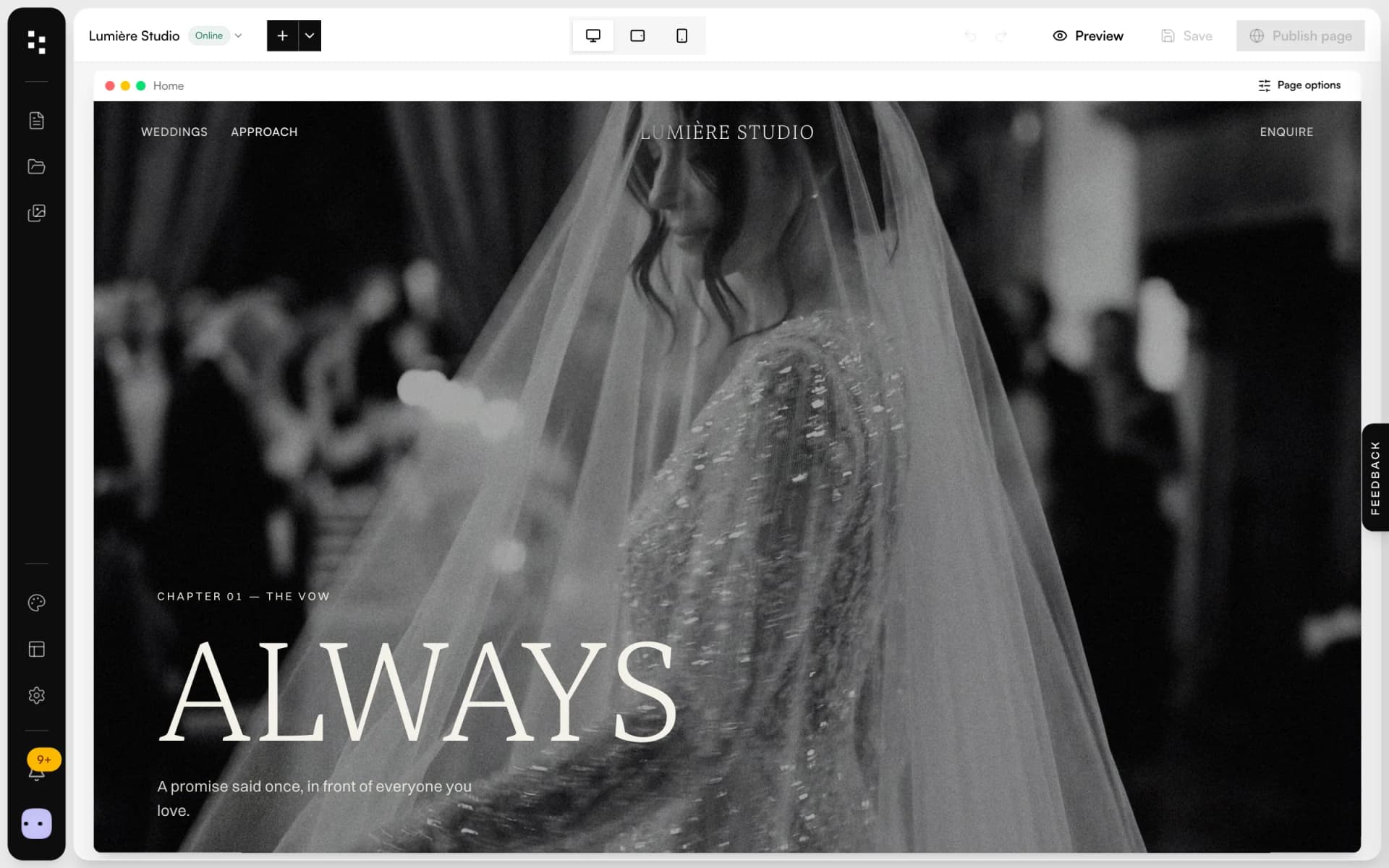
- Website builderA portfolio site that turns visits into inquiries.Discover
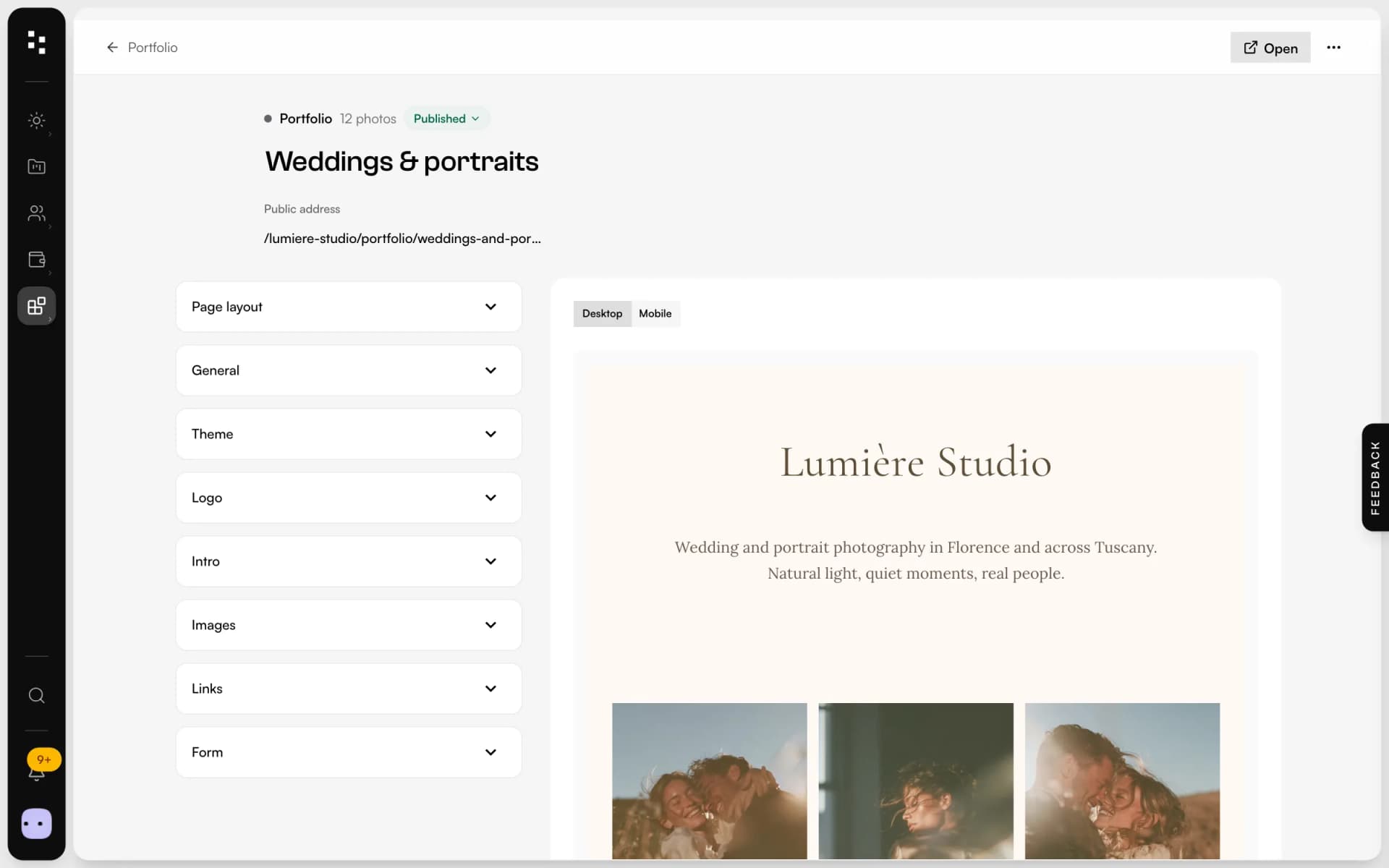
- PortfolioA page for your bio link: best photos, links and a contact form.Discover
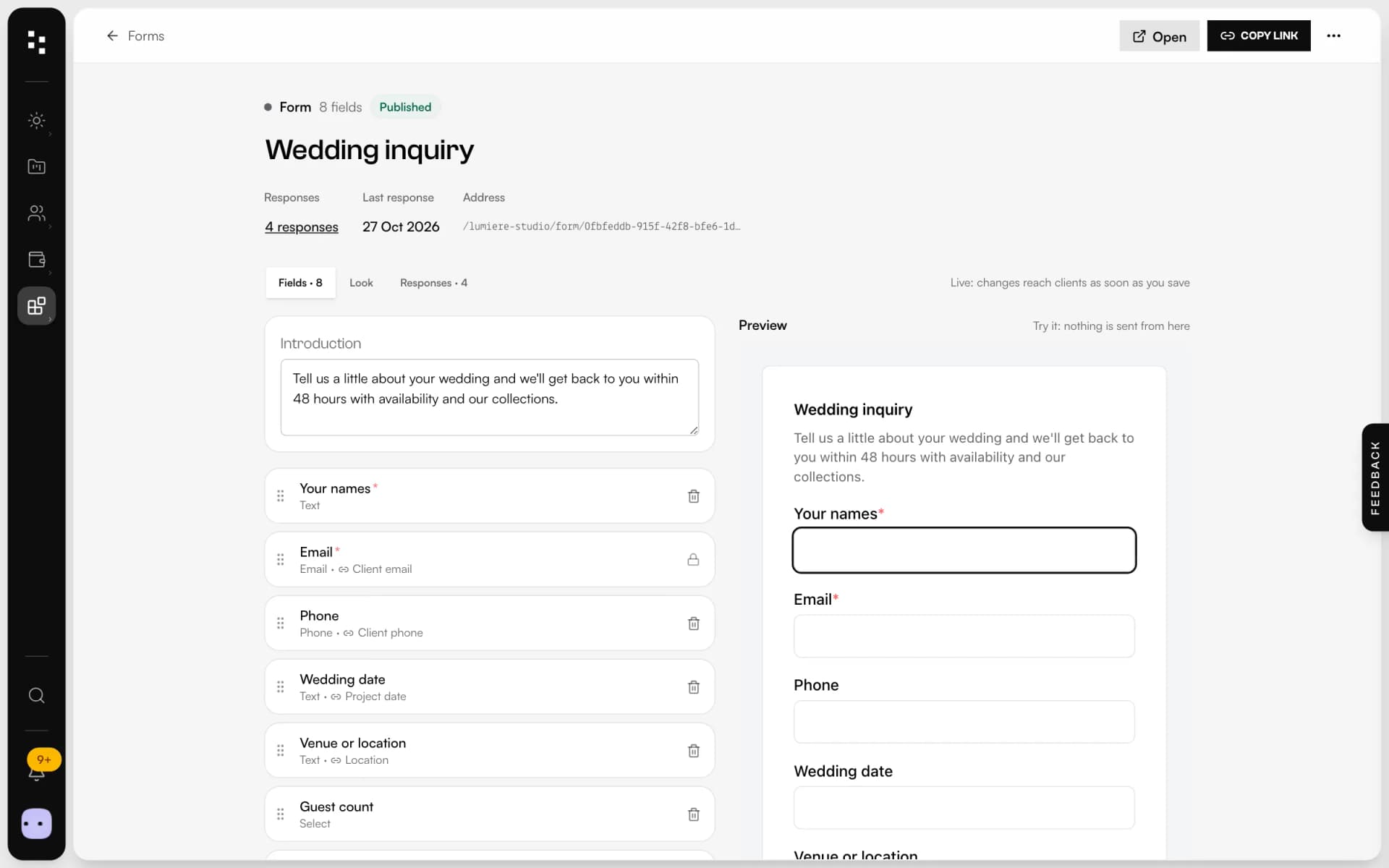
- Forms & questionnairesInquiries that become projects, answers that stay in them.Discover
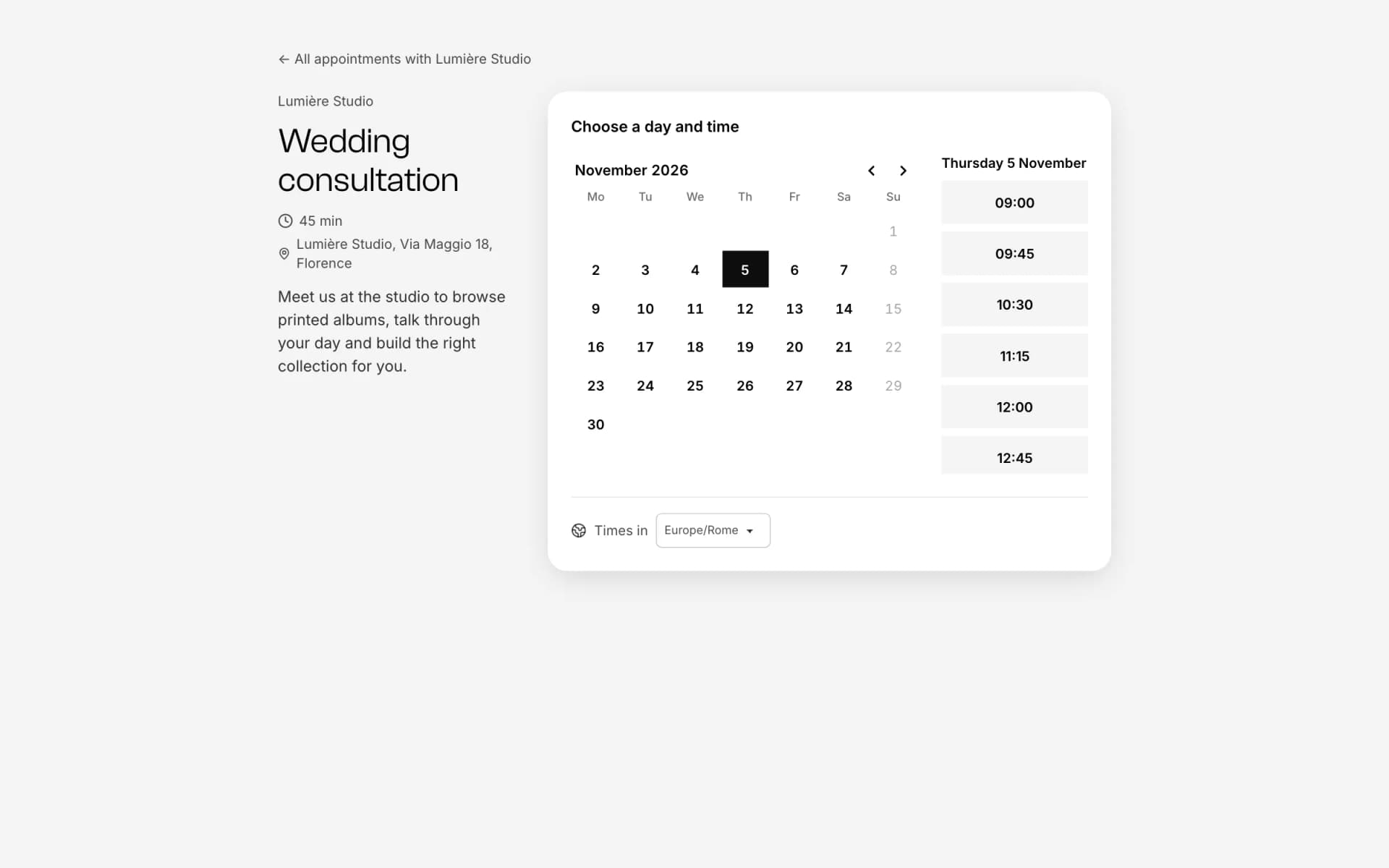
- Online bookingOne link, free slots, no back-and-forth emails.Discover
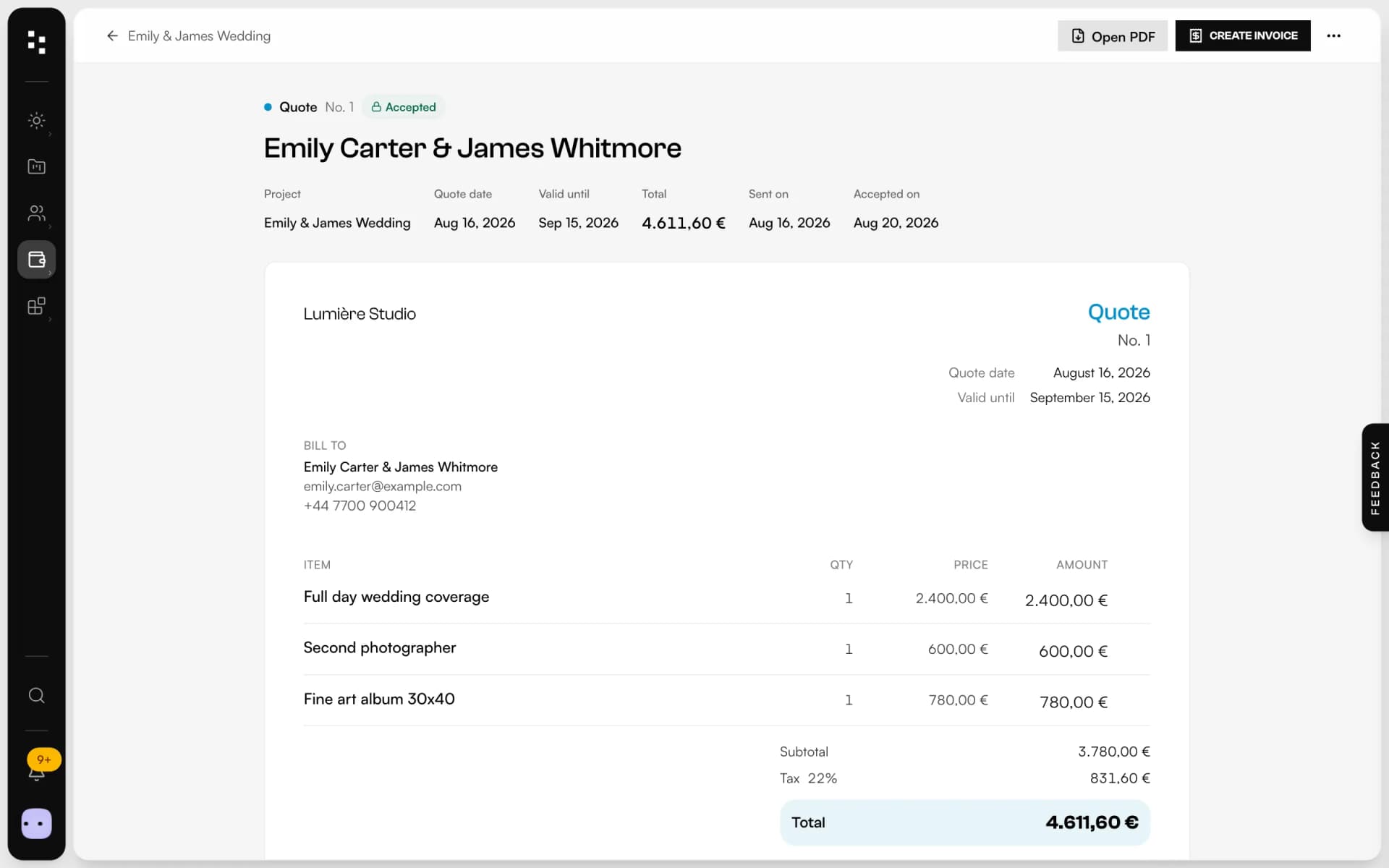
- Quotes, contracts & paymentsFrom the quote to the last payment, without retyping a line.Discover
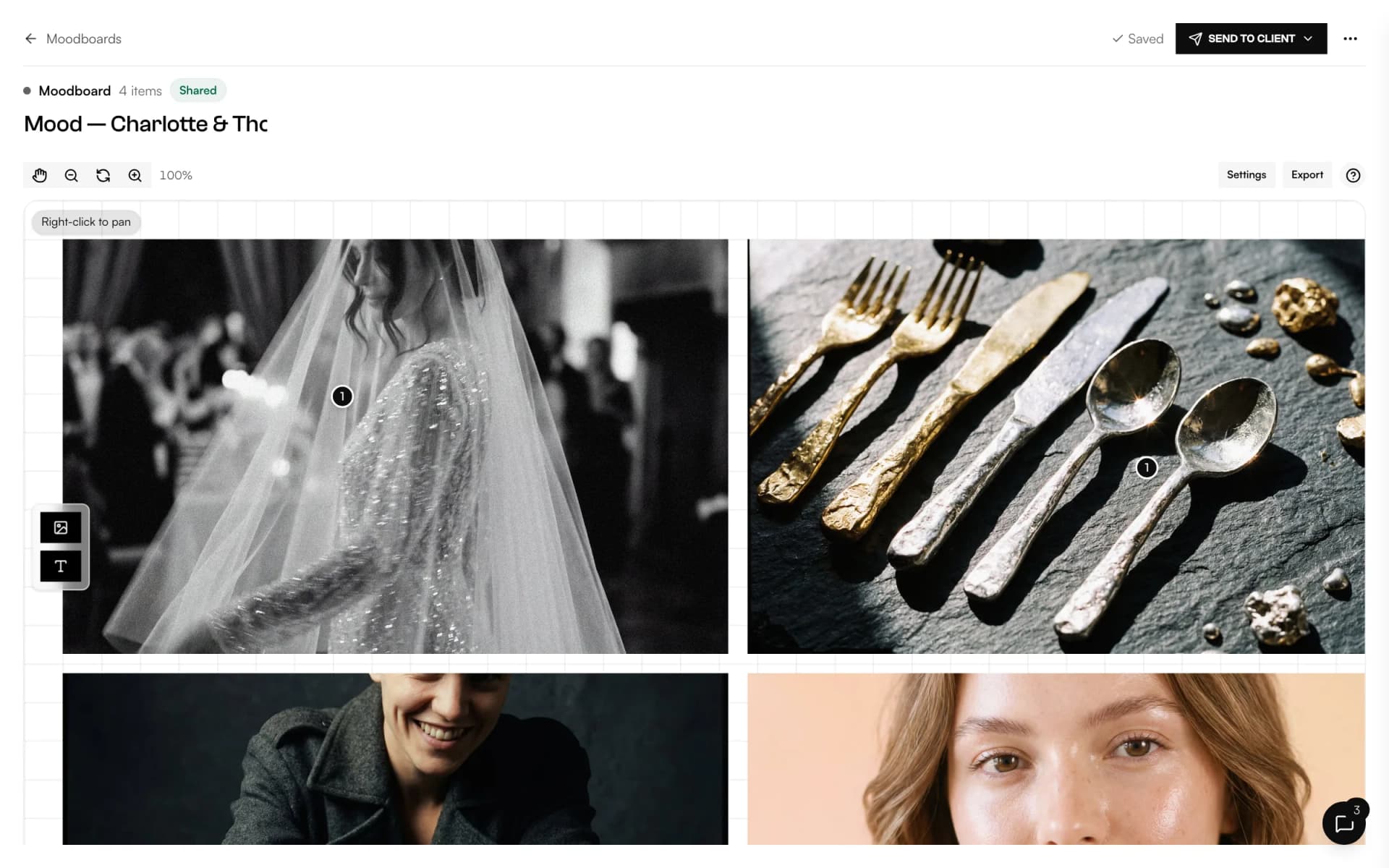
- MoodboardA shared canvas to agree on the look, with comments on every image.Discover
Your whole studio, in one place.
Start free with the whole Suite: site, clients, documents and the big day. Plans and prices are on the pricing page.