Online booking for photographers
Let clientsbook themselves.
Share one link. Clients pick a free slot in their own time zone, get a confirmation with a calendar invite, and the appointment lands in your CRM with the client already attached.
Free plan, no expiry · No credit card required
- Appointment types
- Weekly hours
- Special days
- Time zones
- No double booking
- Manual approval
- Reschedule links
- Calendar feed
- Notifications
What is Mosaii.co Booking?
Mosaii.co Booking is a scheduling page for photographers, a booking link built into your CRM. You create appointment types such as a discovery call, a consultation or a planning session, set your weekly hours and share the link. Booked slots disappear, project days stay blocked, and every booking is linked to a client in Mosaii.co.
- Who it's for
- Photographers who take calls, consultations and in-person meetings
- What clients see
- Your free slots in their time zone, then a link to reschedule or cancel
- Where it lives
- A Mosaii.co link, or a page on your own website's domain
- Where bookings go
- Your CRM calendar, your notifications and a calendar feed you can subscribe to
One link.No back-and-forth.
Set it up once. Your calendar takes care of itself.
Createyour appointment types
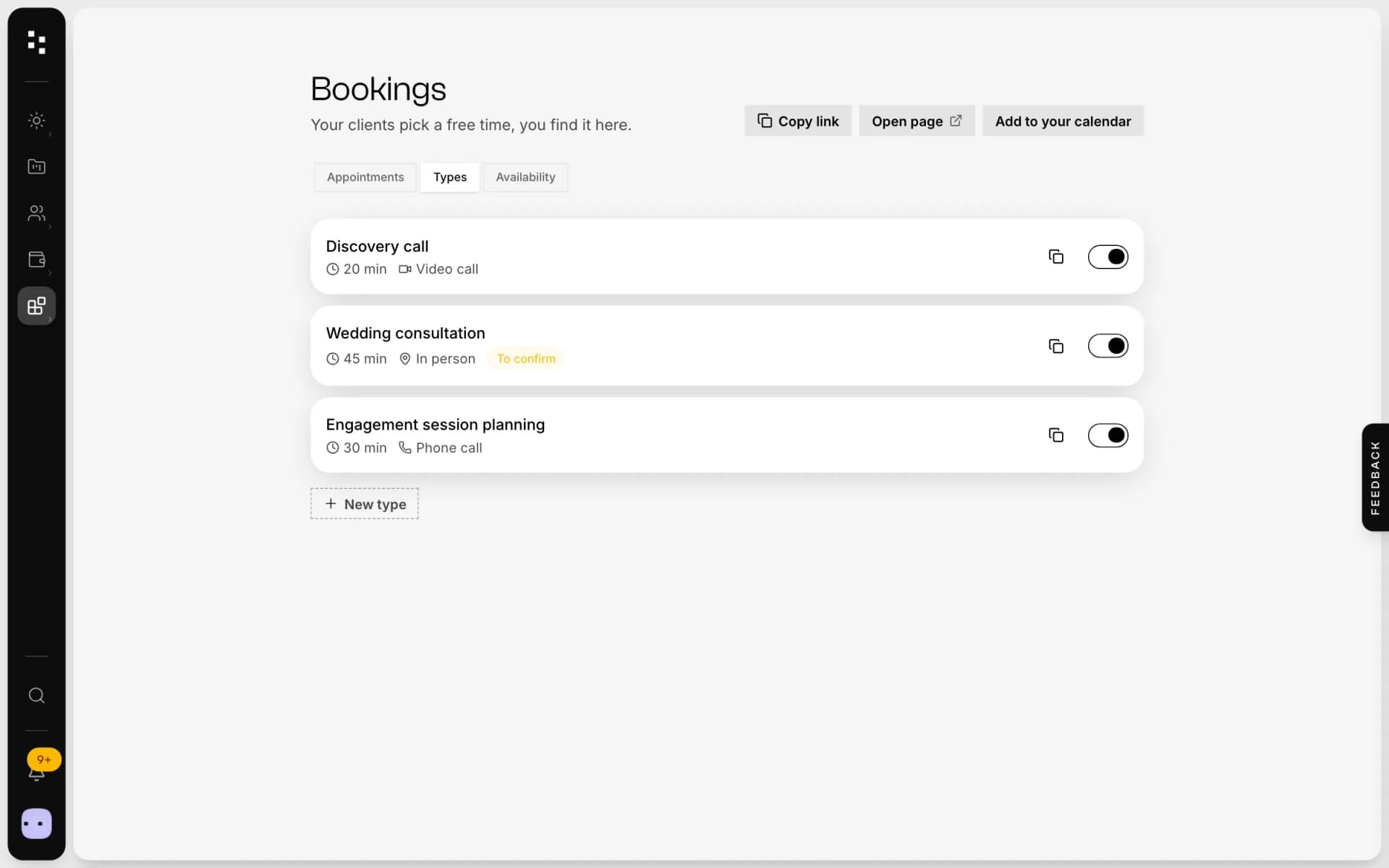
Name, duration, video call, phone or in person, a short description. Choose the minimum notice, how far ahead people can book and a break after each meeting.
Setwhen you're free
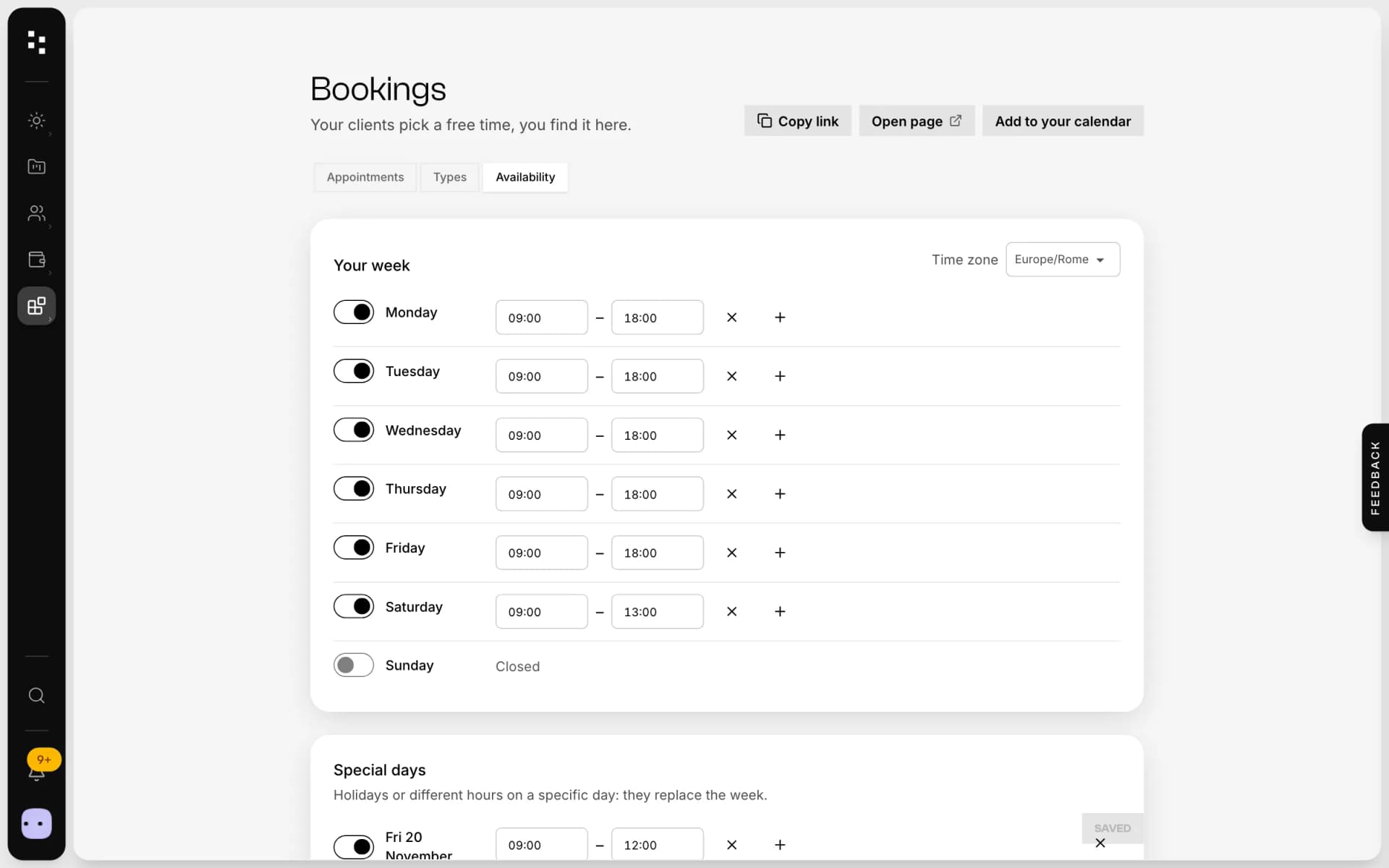
Weekly hours for each day, plus special days for holidays. Days with a project already booked stay closed, so a wedding never collides with a call.
Shareyour page
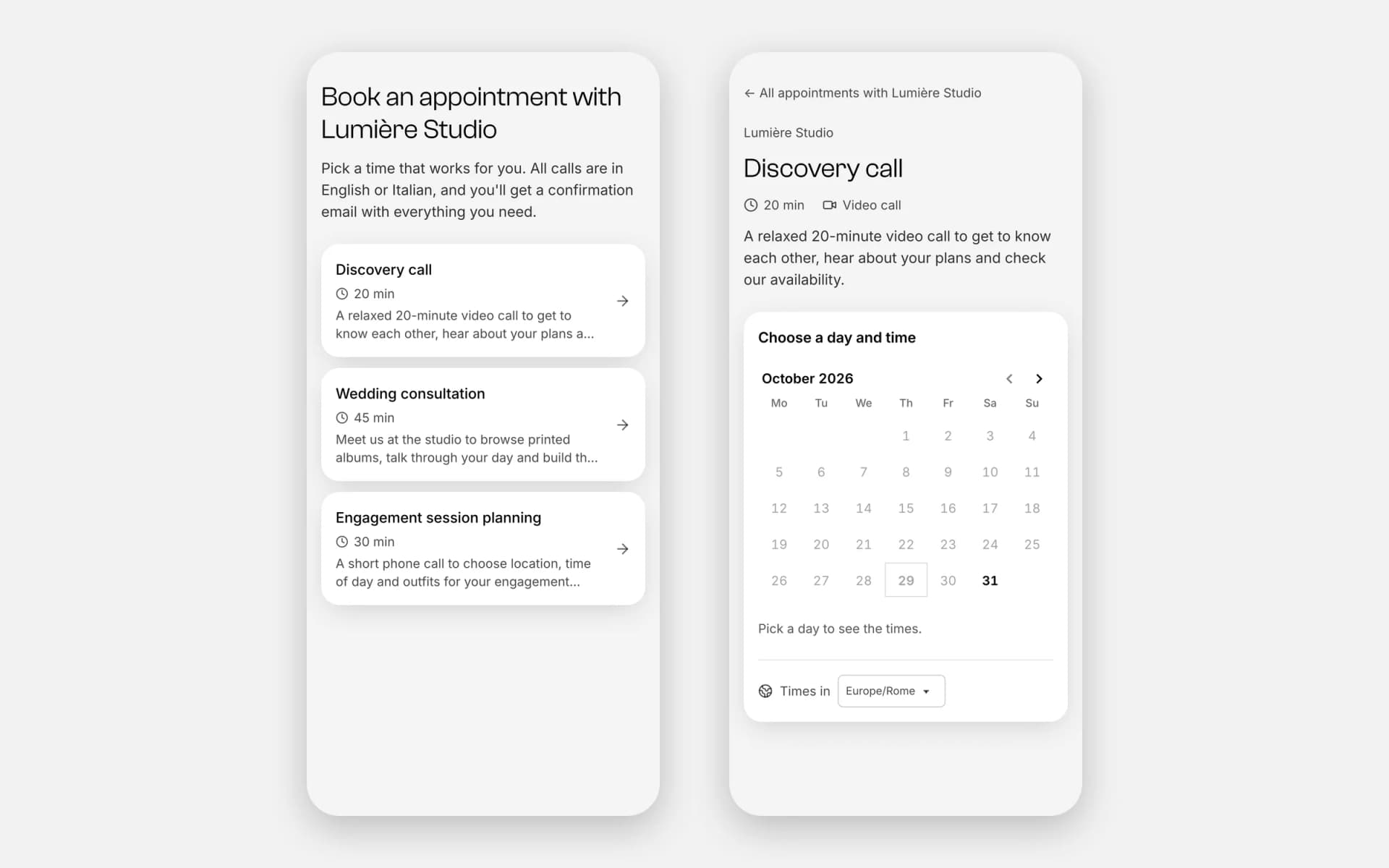
Clients see only free slots, in their own time zone, and book in seconds. If you prefer, a booking stays a request until you confirm it.
Find itin your CRM
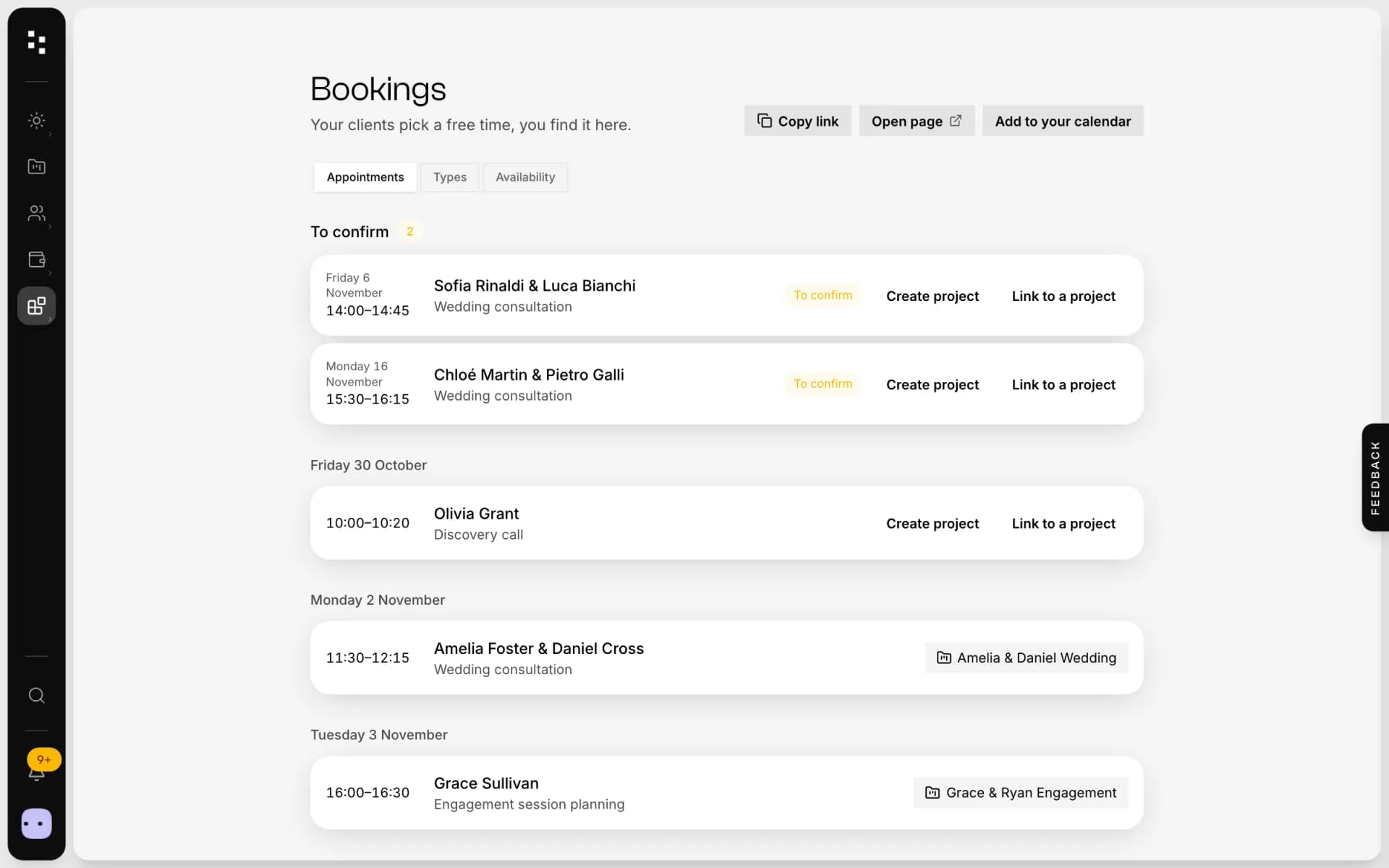
Every booking matches the client by email or creates a new one, shows up in your calendar and can become a project with one click.
Built arounda photographer's calendar.
No double booking
Taken slots disappear, and the system refuses two bookings for the same time, even if two clients click together.
Shoot days blocked
Sessions and project days already in your CRM block your availability automatically.
Time zones handled
A couple getting married abroad sees times in their zone; you see yours, and theirs when it's different.
Confirmation emails
Confirmed, requested, rescheduled, cancelled: every email carries a calendar invite and a Google Calendar link.
Reschedule or cancel
Each client gets a personal link to move or cancel the appointment, within the rules you set.
Your calendar, everywhere
Subscribe to your booking feed from Apple, Google or Outlook calendar and see appointments next to everything else.
Not another app.The next piece of your studio.
A booking is rarely the end of the conversation. In Mosaii.co it's the start of a project.
- 01Media libraryGather your work
- 02WebsiteGet found
- 03PortfolioShare your best work
- 04FormsReceive the inquiry
- 05BookingMeet the clientYou are here
- 06Quotes & contractsSign and get paid
- 07MoodboardAgree on the look
- 08TimelineRun the day
How it connects
Less admin.More photography.
Without Mosaii.co
- Ten emails to agree on one time
- Double bookings between your calendar and your shoots
- Time-zone maths for couples abroad
- Copying each meeting into your CRM
With Mosaii.co
- One link, clients pick a free slot
- Booked slots and shoot days blocked automatically
- Each client sees times in their own zone
- The booking already attached to the client
Questions about Online booking
Is Mosaii.co Booking like Calendly?
It works the same way, a link with your free slots, but it's built into your CRM: bookings find the client, respect your shoot days and can become a project.
Can clients reschedule or cancel?
Yes. Every confirmation includes a personal link to reschedule, cancel or add the appointment to their calendar.
Can I approve bookings before they're confirmed?
Yes. Turn on manual confirmation for an appointment type: bookings arrive as requests and the client gets an email when you confirm.
Does it work with my calendar?
You can subscribe to your Mosaii.co booking feed from any calendar app that supports .ics links, such as Apple, Google or Outlook calendar.
Can I put the booking page on my website?
Yes. If your Mosaii.co site has its own domain, your booking page can be reached on that domain too.
How much does it cost?
You can start for free. Plans and prices are on the pricing page.
Every piecefits the next.
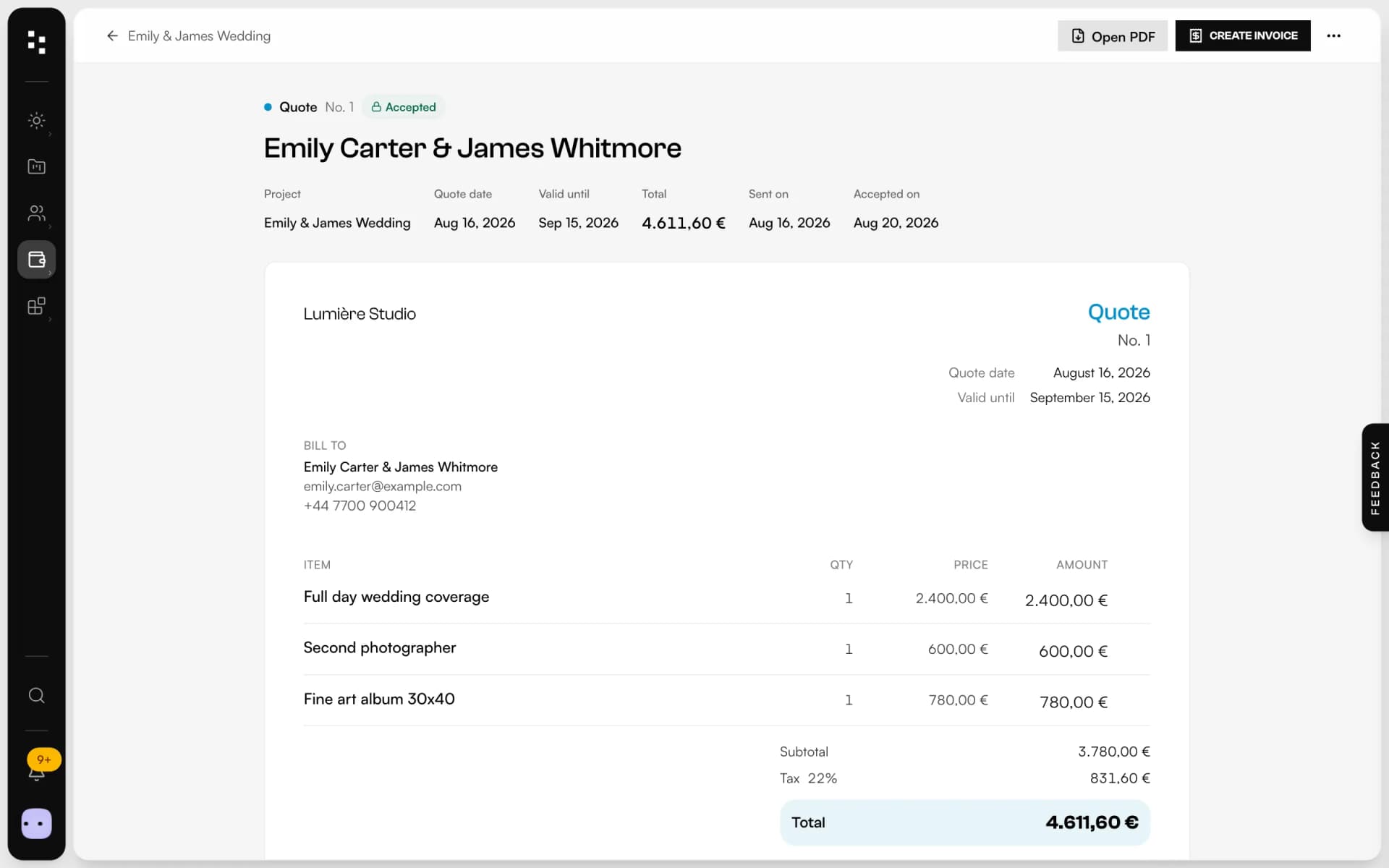
- Quotes, contracts & paymentsFrom the quote to the last payment, without retyping a line.Discover
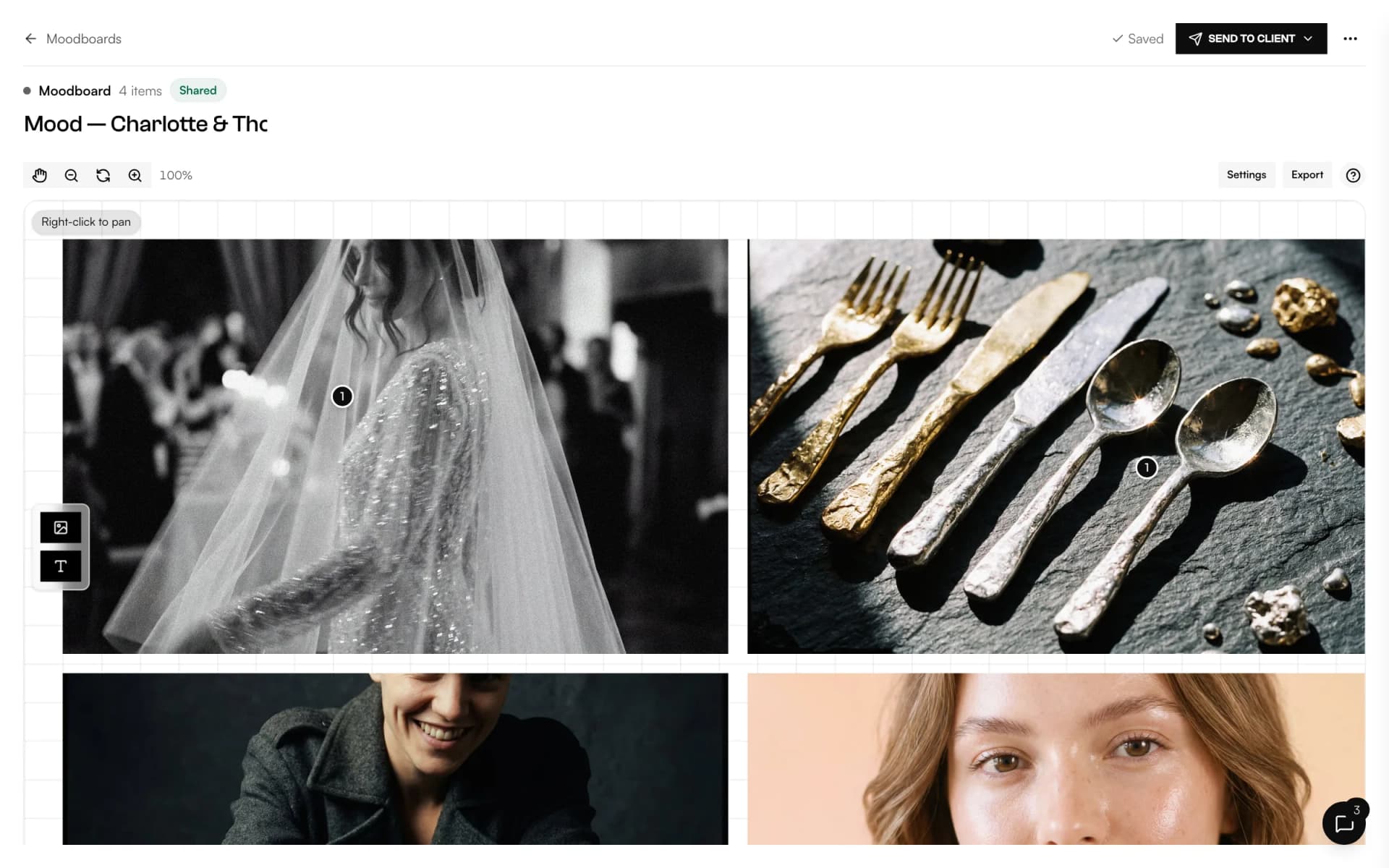
- MoodboardA shared canvas to agree on the look, with comments on every image.Discover
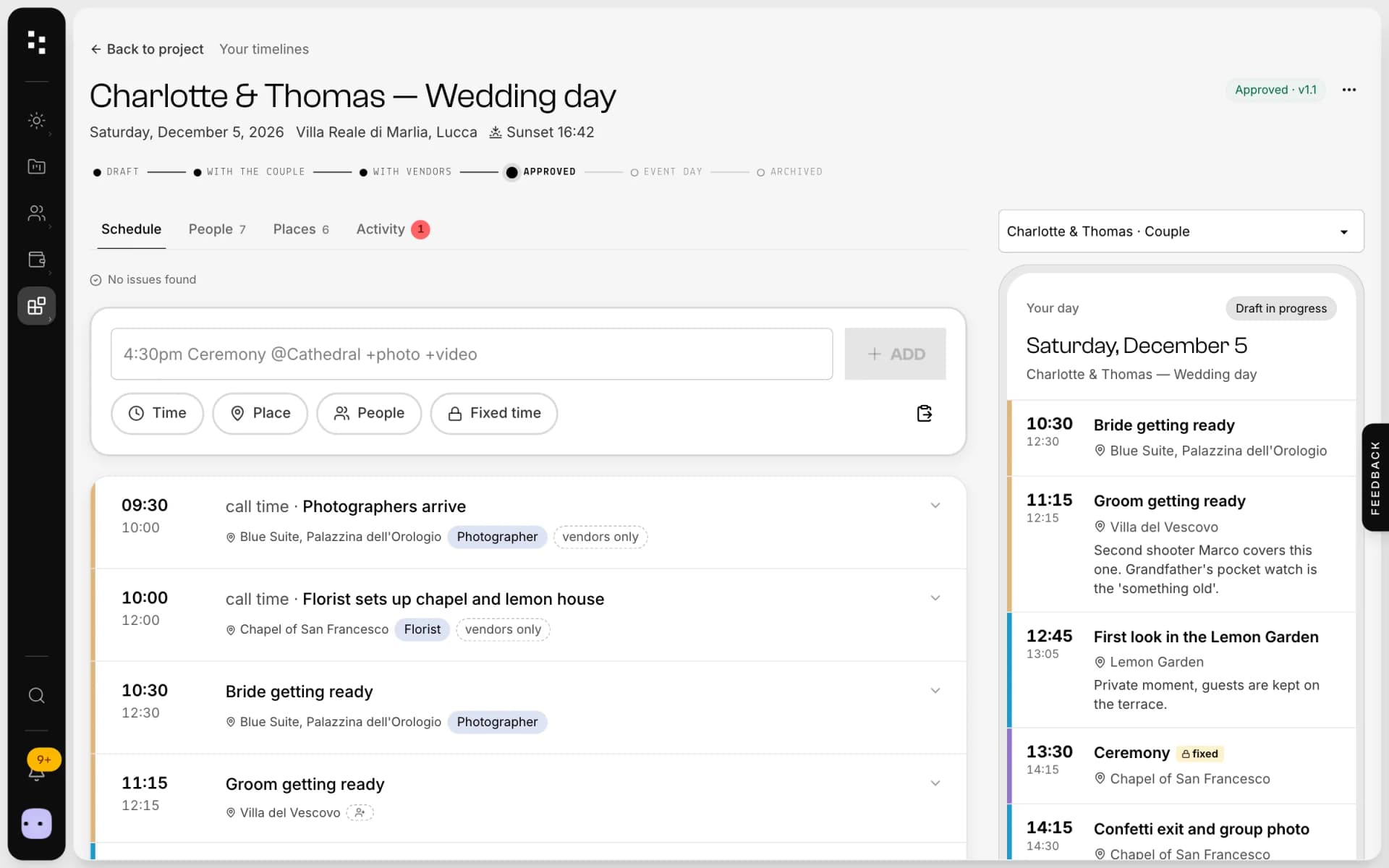
- Wedding timelineOne wedding-day schedule; the couple and every vendor read their part.Discover
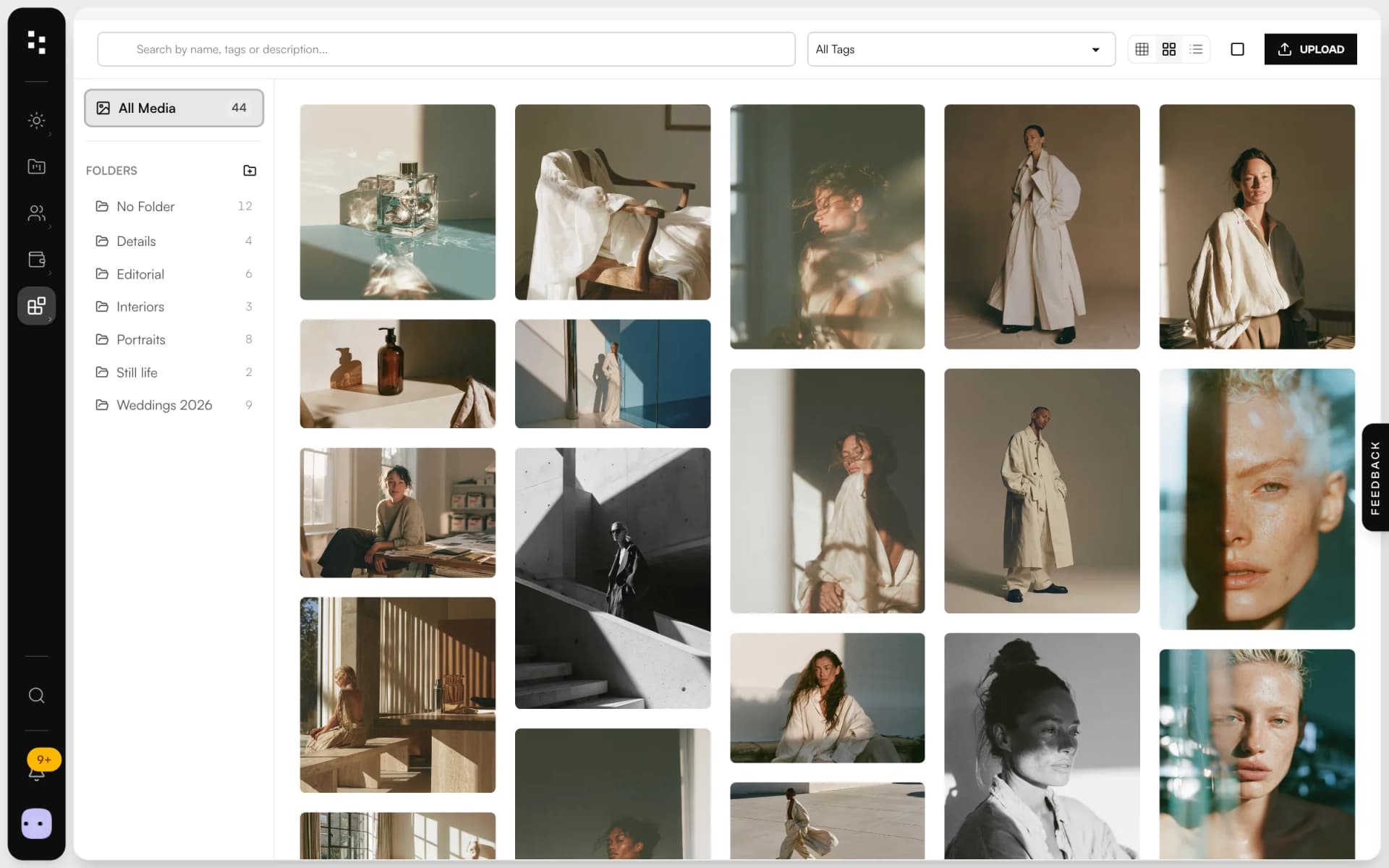
- Media libraryUpload in bulk, sort into folders and use every image across the Suite.Discover
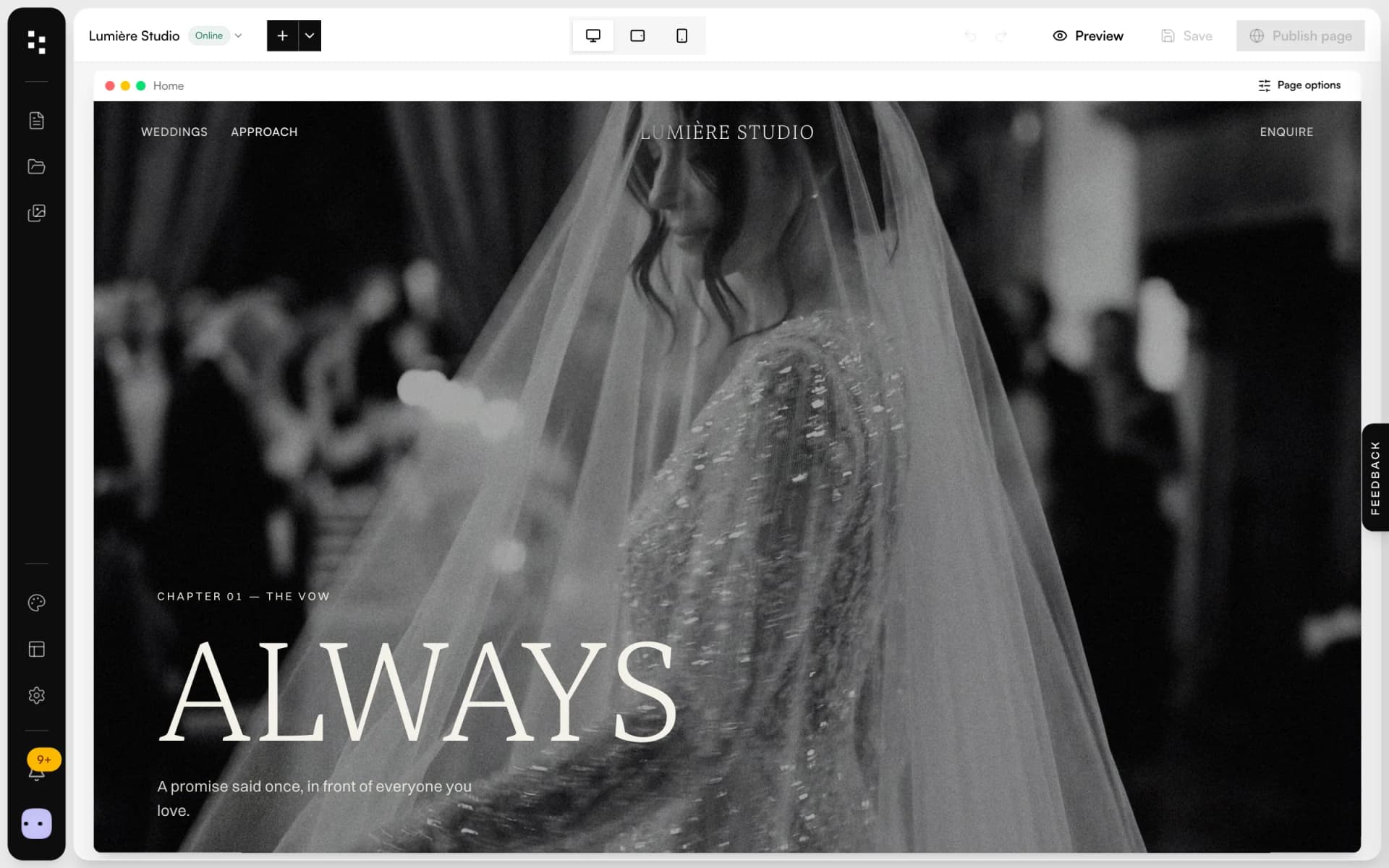
- Website builderA portfolio site that turns visits into inquiries.Discover
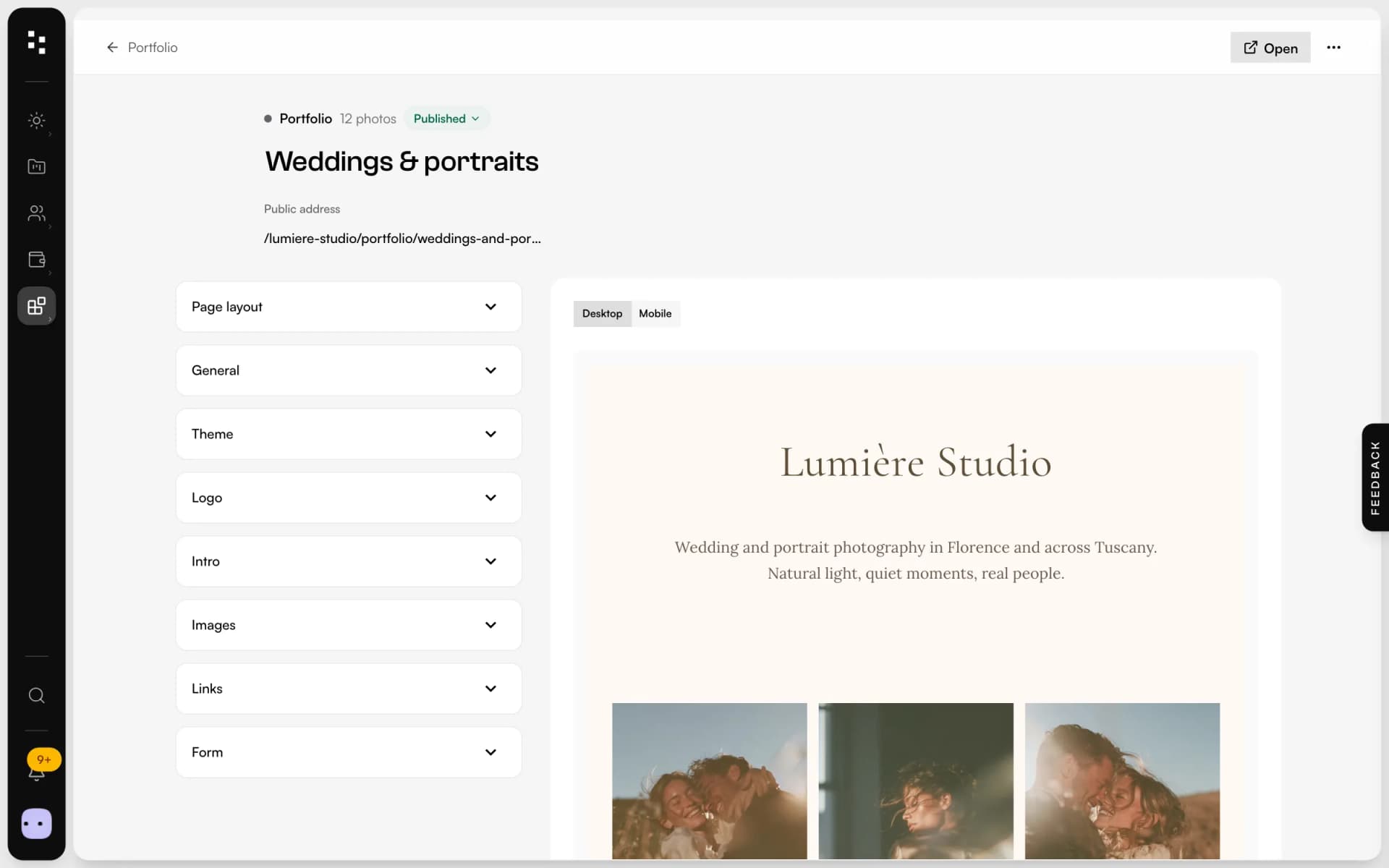
- PortfolioA page for your bio link: best photos, links and a contact form.Discover
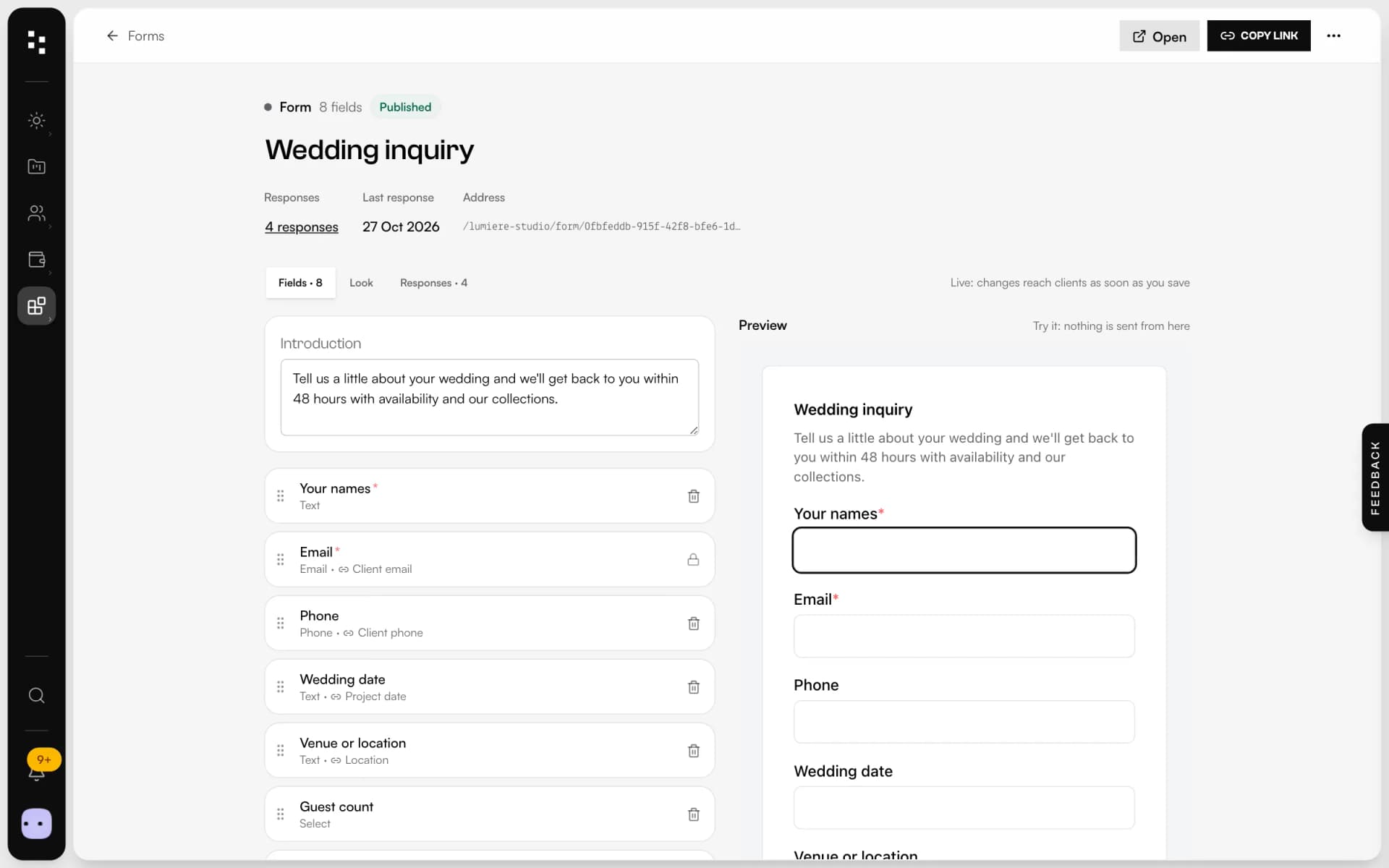
- Forms & questionnairesInquiries that become projects, answers that stay in them.Discover
Your whole studio, in one place.
Start free with the whole Suite: site, clients, documents and the big day. Plans and prices are on the pricing page.